01
Snap your stuff
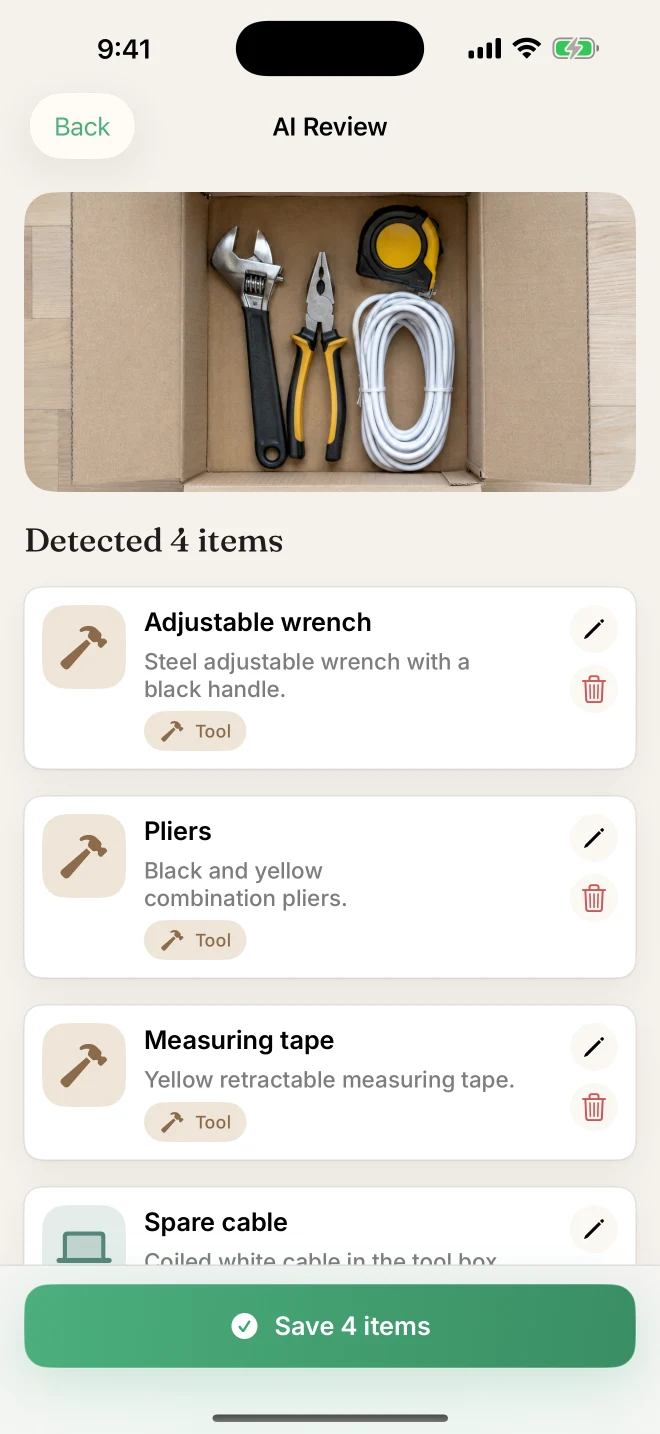
Photograph a shelf, a drawer or a single item. AI suggests names and categories, ready for you to review.
 StuffID
A little less searching. A lot more living.
The passport. That one cable. The thing you put somewhere safe. Photograph it, give it a home, and find it again with StuffID.
Free to start · iPhone & iPad

01 / How it works
Start with one drawer. Let the rest fall into place.
Photograph a shelf, a drawer or a single item. AI suggests names and categories, ready for you to review.
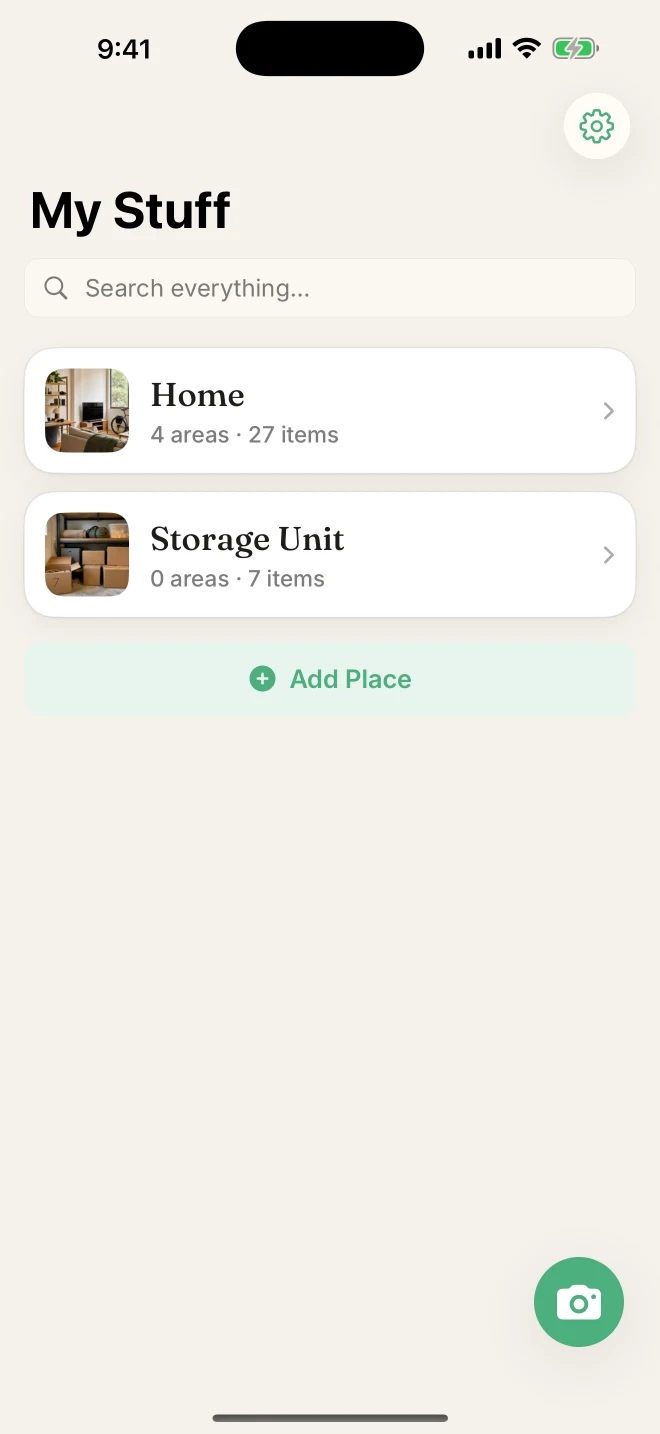
Organize spaces the way you live: home, room, furniture, drawer. Save each item where it belongs.
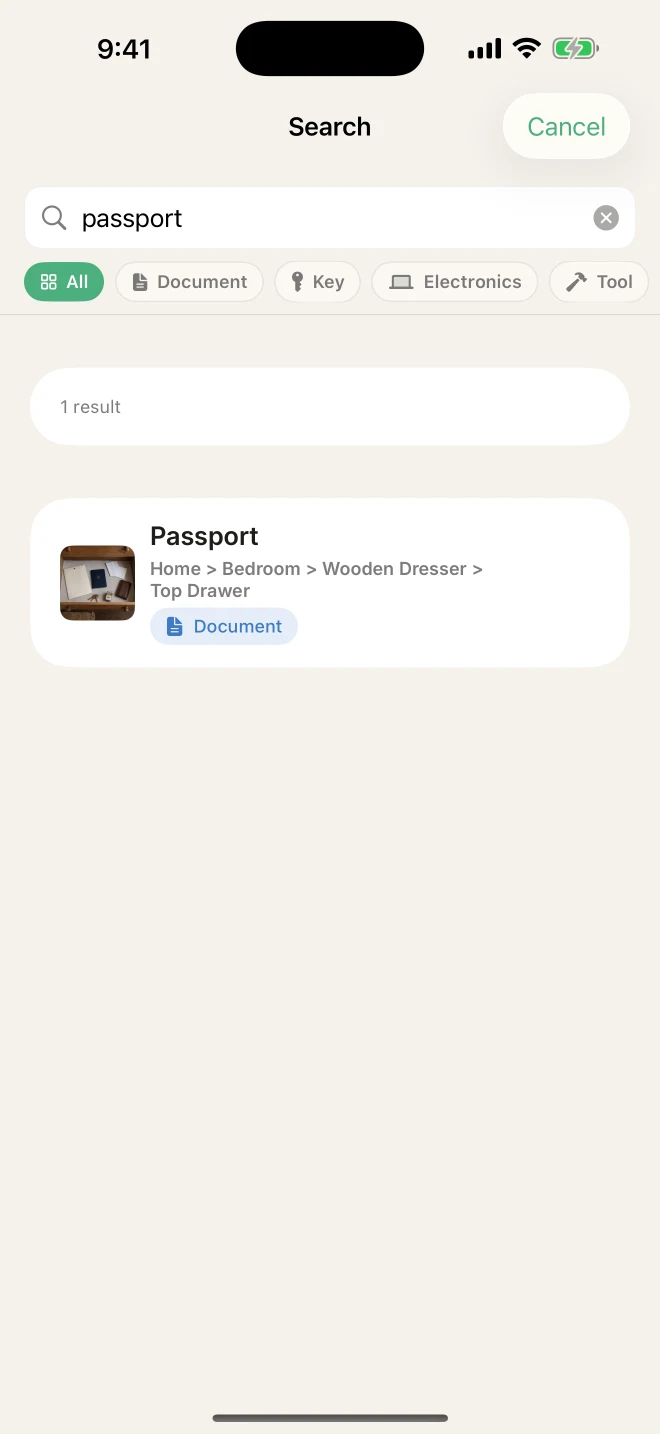
Search your saved inventory by name, notes or tags. Follow the location straight to your things.
Actual StuffID screens · example inventory
02 / Your space
A room, a cupboard, a box inside a cupboard. Save the little details your memory lets go of.
Choose an item to see its saved place
Home → Bedroom → Dresser → Top drawer
03 / STUFFID
Catalog several objects from a single photo, then check the suggestions before saving.
Keep photos, notes, values, warranty dates and expiry reminders alongside your belongings.
Browse saved items offline. Sync with your personal iCloud and export a CSV when you need it.
04 / Journal
Practical ideas for remembering more and rummaging less.
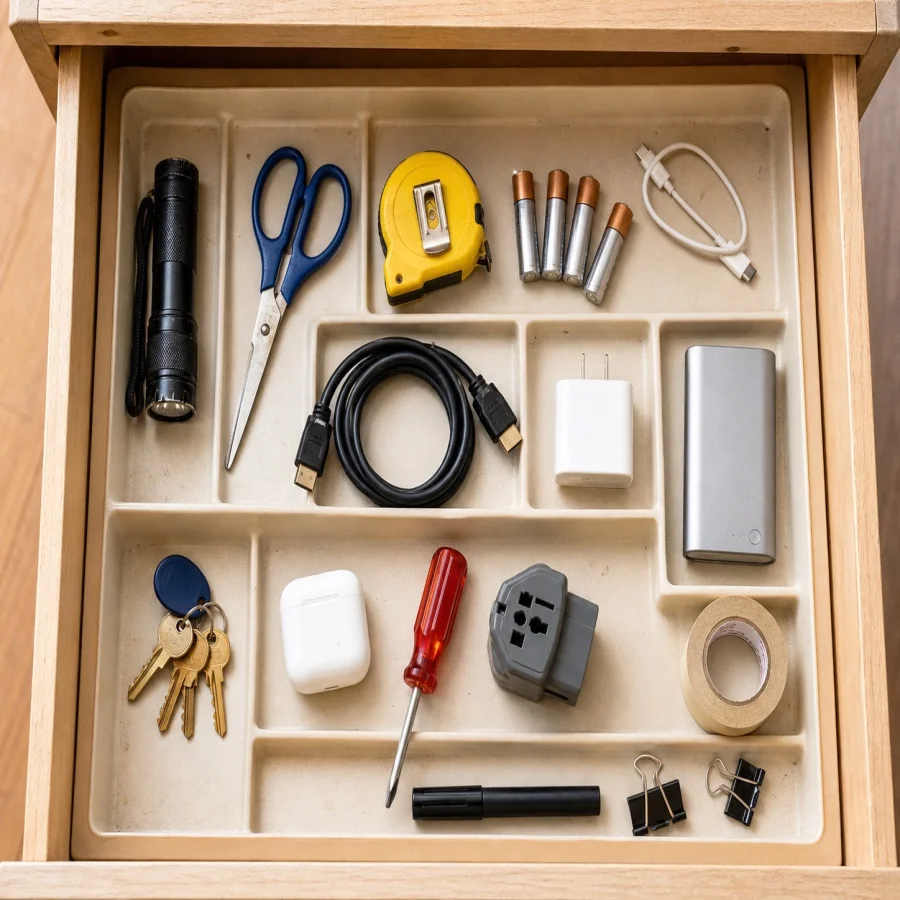
A practical system for the passport, spare keys and mystery cable you keep putting somewhere safe.
Read the story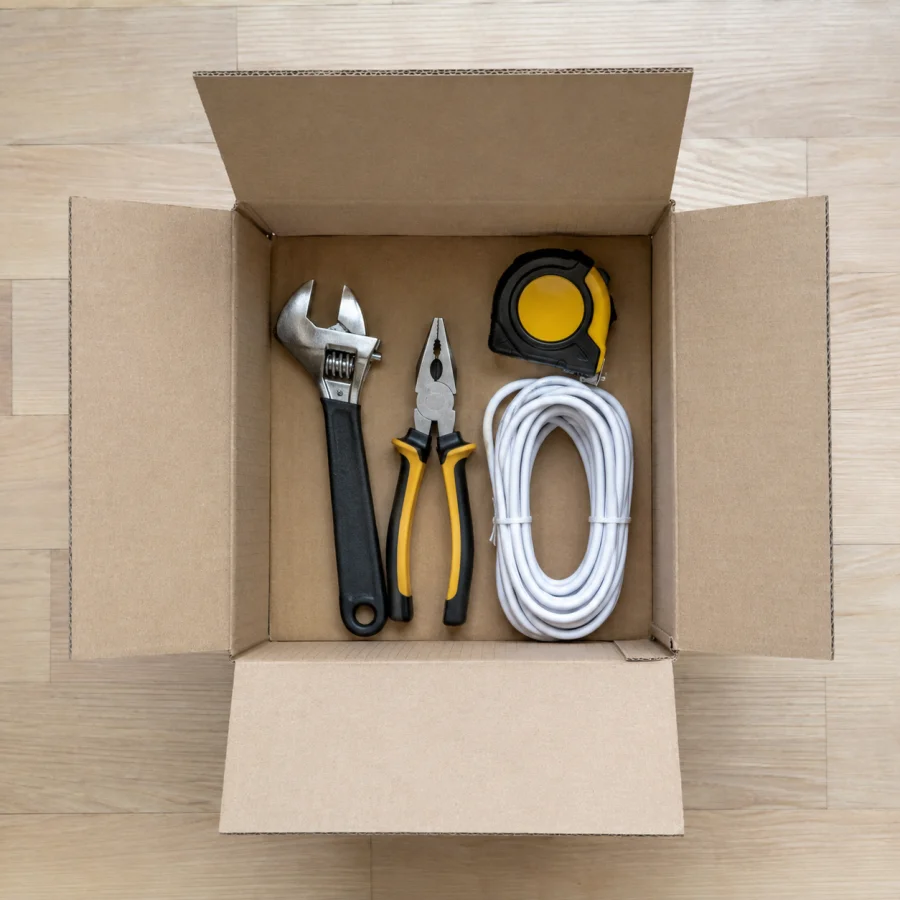
Number the boxes, photograph what goes inside, and find your charger without unpacking the entire room.
Read the story
Keep important documents findable with a simple folder structure, clear locations and useful reminders.
Read the storyStuffID remembers the locations you save. It is not a GPS or Bluetooth tracker. When you move an item, update its place in the app.
Yes. Start with up to 50 items, 2 properties and 5 AI scans. StuffID Pro unlocks higher usage; current plans and prices are shown in the app.
You can browse and search your saved inventory offline. AI photo recognition and iCloud syncing need an internet connection.
Your catalog is stored on your device, with personal iCloud sync when available. Photos you submit for AI recognition are sent for processing. See the privacy policy for details.
StuffID runs on iPhone and iPad with iOS or iPadOS 18.1 or later. This website covers all 35 language variants in the app’s current localization catalog.
Your first drawer is a good place to start.
Download on the App StoreFree to start · iPhone & iPad